SEO Tools: 9 Solutions Compared for Small Businesses
A small business owner doesn't need a €100/month all-in-one SEO tool to manage visibility. Three free tools (Google Search Console, Google Analytics 4 and Screaming Frog) cover about 80% of what a brochure site or small shop needs. Paid suites like Semrush or Ahrefs only make sense past a clear threshold: producing content every week. The real criterion isn't the number of features, it's the tool's ability to turn data into decisions. Here's how to choose, and in what order.

Key takeaways
- Google Search Console and GA4 are free and cover the core of small business SEO tracking: rankings, traffic and technical errors.
- All-in-one suites (Semrush, Ahrefs) start around €100-140/month: only worth it if you publish content every week.
- A crawler like Screaming Frog audits up to 500 URLs for free, enough for most small business brochure sites.
- No tool replaces a method: 3 metrics checked every month beat 50 metrics never looked at.
- Favor a tool that turns data into action over an unreadable dashboard: that's the real choice criterion for a small business.
Contents
- How to choose an SEO tool when you run a small business
- Google Search Console: the free foundation to set up first
- Google Analytics 4: measuring traffic from search
- Screaming Frog: auditing your site's technical side without coding
- Semrush and Ahrefs: the all-in-one suites and their real cost
- Mangools and Ubersuggest: the affordable alternatives
- Free tools for keywords and content
- Recap: which SEO tool for which small business profile
- Taking back control of your visibility without spending your evenings on it
- Frequently asked questions
How to choose an SEO tool when you run a small business
The right SEO tool for a small business isn't the most complete one: it's the one you'll actually open every month and that tells you what to fix. This distinction changes everything about the budget you commit.
I never recommend starting with a paid subscription on a site under 100 pages. On a small brochure site, most of the roadblocks show up in data Google gives you for free. Paying €120 a month to analyze 40 pages is like buying an MRI scanner to check your temperature.
To decide, four criteria are enough, and they beat a grid of thirty features you'll never read.
- The real need: are you mainly tracking rankings, traffic, or your site's technical health? A fuzzy need pushes you to buy everything.
- The monthly budget available: below €50 a month, stick to free tools and a lightweight tracker.
- The learning curve: a tool you can't grasp in an hour will end up unused.
- The action it drives: does the tool spit out raw data, or a recommendation you can apply first thing the next morning?
What are your real needs before paying for a subscription?
Before any subscription, list the three questions you want answered. Most often they fit in one line: which keywords I show up for, how many visitors SEO brings me, and which pages are technically broken. All three answers are fully covered by free tools. A premium subscription only adds value on a fourth need: large-scale keyword research and backlink analysis (the links other sites point at you).
Free or paid: where to set the cursor?
The cursor is set by your content publishing pace, not by your company's size. A small business that publishes one article per quarter has no need for a €140-a-month suite. A shop that produces two product pages and a guide every week pays that subscription back in a few hours of keyword research saved. According to the Insee barometer on the digital habits of French small businesses, only a minority actually invest in search regularly, which makes free tools more than enough for most cases.
Google Search Console: the free foundation to set up first
Google Search Console is the first SEO tool to install, before anything else, because it shows you exactly how Google sees your site, for free and straight from the source. Nothing replaces it on this point.
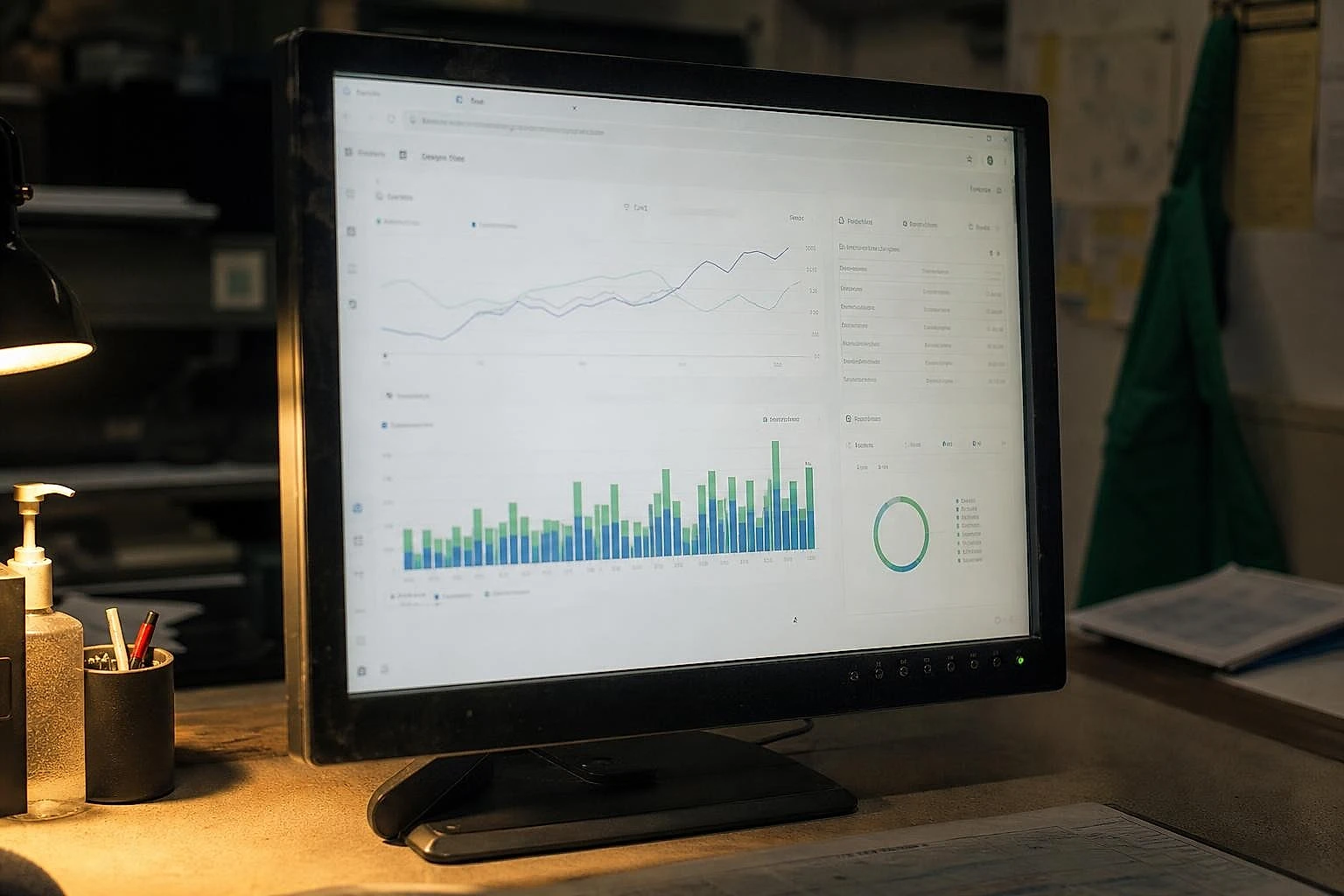
This is the tool I set up first on every project: it answers the question that matters most, namely whether my pages are indexed and which searches they appear on. A paid tool gives you estimated rankings; Search Console gives you your own, real ones, with your impressions and clicks. The official Google Search Console documentation details all the reports available for free to any site owner.
Setup takes about ten minutes: you add your property, verify that the site is yours (via your host or a tag), and the data starts building up. Expect two to three days before you have a first readable history.
What should you actually look at in Search Console?
Three reports are enough day to day. The Performance report lists your queries, average positions and clicks: this is where you spot a page in position 8 that, pushed to position 4, would double its traffic. The Indexing report flags the pages Google refuses to display, a common cause of blocked traffic that I covered in this Google indexing diagnosis via Search Console. Finally, the Core Web Vitals report measures the perceived speed of your pages.
Who it's for: every small business, no exception. Price: free. Strength: real data at the source, no estimates. Limit: no competitor tracking, and history stops at 16 months.
Google Analytics 4: measuring traffic from search
Google Analytics 4 answers the one question that really matters to an owner: how many visitors and customers does organic search bring in? Search Console tells you where you appear; GA4 tells you what those visitors do next.
The useful reflex is to isolate the "Organic Search" channel in the acquisition report. You then see, in one screen, how many sessions come from SEO, how long they last, and above all how many lead to an action defined as a conversion: a form, a call, a sale. It's this link between traffic and money that most usual dashboard setups miss. To follow the logic all the way, tying that traffic to a euro value stays the most profitable step, a calculation I walk through in this method to measure SEO ROI for a small business.
Watch out for data reliability: a duplicated tag or an unfiltered internal IP can inflate your figures by 20 to 30%. These errors are fixed in under an hour, as shown in this rundown of common GA4 mistakes in small businesses.
Who it's for: any small business wanting to tie its SEO to concrete results. Price: free. Strength: measuring behavior after the click. Limit: the learning curve is confusing at first; expect half a day to get comfortable.
Screaming Frog: auditing your site's technical side without coding
Screaming Frog crawls your site the way Google does, page by page, and produces in a few minutes the list of everything that's technically broken, without a single line of code. For a brochure site, it's the tool that replaces an audit costing several hundred euros.

Concretely, the software goes through your URLs and detects broken links, duplicate titles, missing meta tags, chained redirects and oversized images. On a crawl of around 300 pages, roughly thirty minutes is enough to surface the priority problems: you almost always find a handful of orphan pages never linked from the menu, a few identical titles that confuse Google, and two or three 404 errors left over from an old redesign. Fixing that batch often gives the best effort-to-impact ratio of a first SEO project.
Up to how many URLs for free?
The free version of Screaming Frog audits up to 500 URLs, which covers the vast majority of brochure sites and small shops. The official Screaming Frog crawler page confirms this limit; beyond that, the annual license sits around €240 a year. For a site under 500 pages, you'll never have to pay.
Who it's for: brochure sites and shops up to 500 pages. Price: free under 500 URLs, around €240/year after. Strength: complete technical audit run locally. Limit: the report is raw, you need to know what to prioritize.
Semrush and Ahrefs: the all-in-one suites and their real cost
Semrush and Ahrefs are excellent SEO tools, but for a small business without regular content production, their €100-140-a-month subscription is largely wasted budget. That's the stance I hold, and the numbers back it up.
These suites shine on two fronts: large-scale keyword research and backlink analysis. They estimate a keyword's search volume and difficulty, and map out your competitors' links. Powerful, except all of that is only worth something if you use it every week. Semrush starts around €140 a month, Ahrefs around €108 a month according to their public pricing. Over a year, that's €1,300 to €1,700, roughly the price of a one-off audit by a freelancer.
Which is the best paid SEO tool?
Ahrefs remains the benchmark for backlink analysis and the depth of its link index; Semrush wins on advertising and the broader marketing overview. For purely editorial SEO, the two are largely equivalent. The real tiebreaker is your workload, not some miracle feature. If I had to look at just one criterion to choose between them, it would be the pace at which you plan to produce content, not the number of reports available.
When does the subscription become worth it?
The subscription becomes worth it when you publish at least one optimized piece of content per week and you actively work on your backlinks. Below that pace, you're paying for data you check three times a year. According to Ahrefs data on organic traffic, a majority of web pages get no clicks from Google, often for lack of upstream keyword research: that's exactly where these suites create value, provided you produce. This threshold logic mirrors the one about hiring a provider, which I detailed to help decide between outsourcing or running your e-commerce SEO yourself.
Who it's for: active blogs, sites publishing every week, agencies. Price: €108 to €140/month. Strength: large-scale keyword research and backlinks. Limit: oversized and expensive for a static site.
Mangools and Ubersuggest: the affordable alternatives
Mangools and Ubersuggest sit in the ideal middle tier: they offer the keyword research and rank tracking of the big suites at a third of the price. It's the step up when free tools no longer cut it but Semrush is overkill.
Mangools bundles five tools (keyword research, rank tracking, backlink analysis) for around €30 to €45 a month depending on the plan. The interface is far more accessible for a non-technical user than the premium suites, which matters when no one in-house is a specialist. Ubersuggest, launched by Neil Patel, offers a plan starting around €30 a month, or even a one-time lifetime access, plus a free version limited to a few daily searches.
Both tools suit a small business starting to take content seriously without yet justifying a full-suite budget. They do keyword research cleanly, with volume and difficulty estimates good enough to guide an editorial plan. Their main limit: the backlink index is shallower than Ahrefs', and competitive analysis stays more surface-level.
Who it's for: small businesses starting a content strategy, freelancers. Price: €30 to €45/month. Strength: feature-to-price ratio and quick onboarding. Limit: less depth on backlinks and competition.
Free tools for keywords and content
Three free tools cover the bulk of keyword research for a small business: Google Keyword Planner, Answer the Public, and Google's own search suggestions. Together they replace a good chunk of what a subscription charges for.
Google Keyword Planner, built into your Google Ads account, gives search volume ranges and related keyword ideas. It's designed for advertising, but it's still useful in SEO to confirm that a topic is actually being searched for. Answer the Public visualizes the questions people ask around a theme: perfect for building a FAQ or an article that answers a specific intent. As for Google's autocomplete suggestions and the "People Also Ask" box, they remain the most reliable free source for understanding what your customers are looking for.
On the on-page optimization side, Yoast SEO remains the free benchmark on WordPress: it guides you on the title, meta description and readability of each page, right inside your editor. For a WordPress site, it's a safety net that prevents basic mistakes.
Which is the best free SEO tool?
The best free SEO tool is Google Search Console, no argument, because it relies on Google's real data rather than estimates. For keyword research specifically, Answer the Public and Keyword Planner come in as complements. None of these tools costs a euro, and between the three they cover tracking, technical errors and content ideas. The real limit of free tools isn't the data: it's the time it takes to cross-reference it by hand.
Recap: which SEO tool for which small business profile
The right SEO tool depends on your profile and your publishing pace, not on an absolute ranking. Rather than a table, here's the hierarchy I actually apply by profile.

A brochure site under 100 pages doesn't need to pay for anything. Search Console, GA4 and the free Screaming Frog cover it all: indexing, traffic, technical errors. Monthly budget: zero. A shop just starting out adds Mangools as soon as it begins working on product pages or writing guides; that's when keyword research becomes recurring work, not a one-off curiosity. Budget: €30 to €45/month. Moving up to a premium suite (Ahrefs or Semrush, between €108 and €140/month) is only justified with a pace of at least one optimized piece of content per week. Below that, you're paying for a benchmark you won't check often enough to benefit from. Finally, an agency or a multi-domain site needs a full suite from the start: the depth of the backlink index and multi-project management make the difference at that level.
The way to read this hierarchy is deliberately linear: each tier only makes sense once the previous one is mastered. Paying for Semrush before exploiting Search Console is building on sand.
What are the 3 types of SEO to cover?
SEO splits into three families your tools must cover together. Technical SEO deals with your site's structure, speed and indexing: that's the turf of Screaming Frog and Search Console. On-page SEO touches content and its optimization, with Yoast and keyword research. Off-page SEO covers backlinks and reputation, the domain of paid suites. A small business covers the first two well with free tools; the third only becomes a priority at a more advanced stage.
Taking back control of your visibility without spending your evenings on it
At this stage, you have the right tools. The problem that remains is elsewhere: cross-referencing by hand your Search Console rankings, your GA4 traffic and your crawler's technical alerts takes time few owners have. It's this monthly cross-referencing, not the raw data, that discourages most small businesses from managing their SEO in-house. Lysible brings these sources together into a single view that tells you what to fix first, so the time you spend goes into deciding rather than assembling numbers. Expect half a day per quarter for clean tracking: that time is what's at stake.
Frequently asked questions
What does SEO mean?
SEO stands for Search Engine Optimization. Simply put, it's the set of actions that improve your site's position in Google's results, organically, without paying for advertising. It covers three areas: your site's technical health, the quality of its content, and the links other sites point at you. Done well, it brings free, lasting traffic, unlike advertising which stops the moment you cut the budget.
Which is the best free SEO tool?
Google Search Console is the best free SEO tool, because it relies on Google's real data: your rankings, impressions, clicks and indexing errors, straight from the source. No paid tool does better on this specific point. To complement it, Google Analytics 4 measures what your visitors do, and Screaming Frog audits the technical side for free up to 500 pages. This trio covers about 80% of what a brochure site or small shop needs, without spending a euro.
How much does an SEO tool cost for a small business?
The cost ranges from €0 to over €140 a month depending on your needs. A small business with a brochure site can stay entirely free with Search Console, GA4 and Screaming Frog. A mid-tier tool like Mangools or Ubersuggest costs €30 to €45 a month and suits a small business starting a content strategy. The all-in-one suites Semrush and Ahrefs sit between €108 and €140 a month, or €1,300 to €1,700 a year. That budget is only justified past one piece of content published per week.
Do you need a paid tool when starting out in SEO?
No, a paid tool is unnecessary when you're starting out. Google's data (Search Console and Analytics 4) amply covers your needs for the first months: rank tracking, traffic and technical errors. Paying for a subscription before you know how to turn it into decisions is like buying a tool you won't open. The right sequence is to master the free tools first, identify a specific limit (large-scale keyword research, backlink analysis), then pay only to fill that gap.
Which SEO tool should you start with for a small site?
Start with Google Search Console, no hesitation. It's the tool that tells you how Google sees your site: which pages are indexed, which searches you appear on, and which errors block your visibility. Setup takes about ten minutes. Then add Google Analytics 4 to measure traffic from SEO, then Screaming Frog for a free technical audit up to 500 pages. This order has a logic: first see, then measure, finally fix. No point going further before exploiting those three.
What are the 3 types of SEO?
The three types of SEO are technical, on-page and off-page. Technical SEO deals with your site's structure, speed and indexing, which you check with Screaming Frog and Search Console. On-page SEO touches the optimization of your content: titles, keywords, readability, with a tool like Yoast SEO on WordPress. Off-page SEO covers backlinks and your site's reputation, the domain of paid suites. A small business covers the first two well with free tools; the third becomes a priority later.

Isaac SIKORSKI
With Lysible, I want to give businesses back control of their online presence. A website you actually understand is one that brings in real opportunities.